
Meilleure plateforme de galerie pour photographes de mariage
Un guide par critères pour choisir une plateforme de galerie de mariage : aperçus, téléchargements, confidentialité, mobile, QR et remise client.
Recommandations
5 min de lecture

Publié 17 juin 2026 | 4 min de lecture
Google Drive est utile pour le stockage et la collaboration. Gampi convient mieux à la livraison finale du photographe quand le client a besoin d’une page claire, d’aperçus, de téléchargements originaux et de moins de questions d’accès. Découvrez quand Google Drive fonctionne pour les photographes, où il peut créer des frictions de livraison et comment Gampi crée des pages de téléchargement client plus claires.
Utilisez Gampi pour envoyer des liens soignés vers photos, vidéos, dossiers, archives et galeries.
Besoin | Dossier type Google Drive | Livraison Gampi |
|---|---|---|
Collaboration interne | Utile pour les dossiers d’équipe partagés | Pas l’objectif principal |
Présentation finale au client | Peut ressembler à un dossier générique | Page de livraison orientée client |
Clarté des versions | Demande un nommage soigneux des dossiers | Utilisez un seul lien final de transfert ou galerie |
Livraison finale privée | Peut créer des frictions de permission | Utilisez mot de passe et expiration si nécessaire |
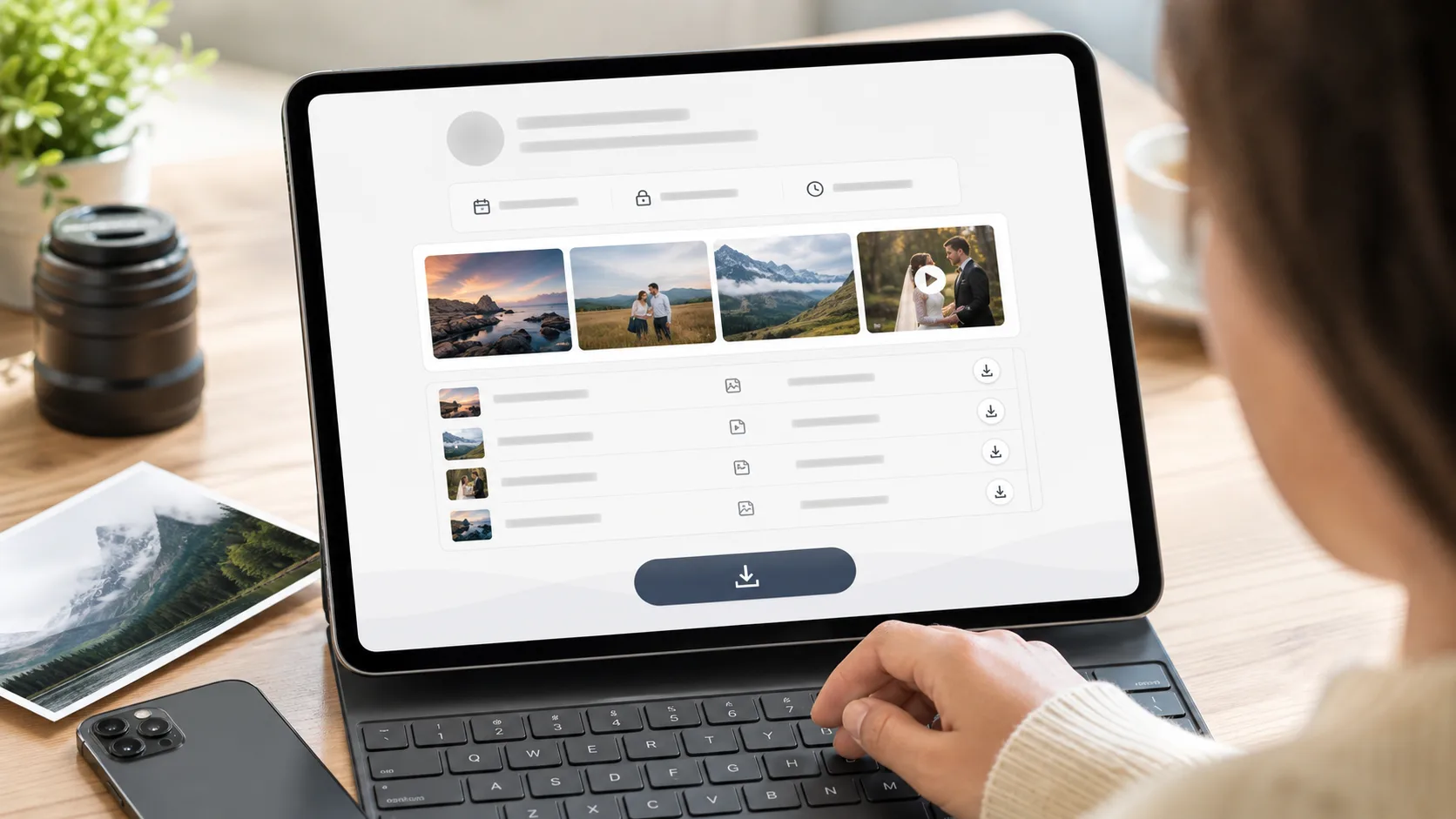 Le client reçoit une seule page claire avec aperçus et actions de téléchargement.
Promesse produit | Preuve dans ce flux | Limite à préciser clairement |
|---|---|---|
Page de téléchargement client | L expéditeur partage un seul lien de livraison ou de galerie, et le destinataire voit les aperçus et les actions de téléchargement sur une page ciblée. | Utilisez une galerie complète quand la navigation, la sélection ou les achats comptent. |
Aucun compte requis pour le destinataire | Le photographe crée le transfert; le client ouvre le lien partagé sans créer de compte destinataire. | Si la protection par mot de passe est activée, le client saisit le mot de passe avant de voir ou télécharger. |
Contrôles de mot de passe et d expiration | Simple Transfer propose des réglages de mot de passe et des fenêtres d expiration de 1, 3, 7, 30, 60 et 365 jours, plus une expiration personnalisée. | Vérifiez le plan actuel et les limites du produit avant de promettre une taille précise de stockage ou de transfert. |
Aperçus et téléchargements originaux | Les aperçus optimisés aident les clients à confirmer le contenu; les téléchargements originaux restent les fichiers finaux préparés par le photographe. | Pour le proofing, les favoris ou les ventes, utilisez un flux de galerie plutôt qu un simple transfert. |
Cas d’usage | Meilleur choix |
|---|---|
Collaboration interne continue | Stockage type Google Drive |
Livraison finale client | Transfert ou galerie Gampi |
Découverte de portfolio public | Profil photographe Gampi |
Package privé pleine résolution | Gampi Simple Transfer |
Lorsque vous remplacez un dossier Google Drive pour la livraison finale des photos, utilisez un mot de passe pour les galeries privées ou payantes, définissez une expiration pour les remises temporaires et indiquez au client quel lien contient les fichiers finaux approuvés.
Pour des décisions de livraison proches, lisez livraison de fichiers client pour photographes, Simple Transfer pour photographes et transfert de fichiers protégé par mot de passe avant de choisir la configuration finale.
Pour la livraison finale, choisissez un flux orienté client avec aperçus, téléchargements originaux et réglages d’accès clairs.
Il peut fonctionner, surtout pour un partage simple, mais les dossiers partagés peuvent créer des frictions de permissions et de présentation.
Selon la façon dont le dossier est partagé, les clients peuvent rencontrer des confusions de compte, permission, dossier ou version.
Une page de livraison soignée ou une galerie donne aux clients un lieu clair pour voir et télécharger le travail final.
Gampi Simple Transfer est conçu pour la livraison de fichiers client dans les limites actuelles du produit et du plan.
Utilisez Gampi pour envoyer des liens soignés vers photos, vidéos, dossiers, archives et galeries.
Un guide par critères pour choisir une plateforme de galerie de mariage : aperçus, téléchargements, confidentialité, mobile, QR et remise client.
Une comparaison pratique entre les liens de transfert génériques et Gampi Simple Transfer pour la livraison client des photographes.
Un guide fondé sur des critères pour choisir une plateforme de galerie avec revue privée, albums organisés et livraison finale claire.