Kuidas Teha Paremaid Reisifotosid
Praktiline reisifotograafia juhend paremaks planeerimiseks, valguse, kompositsiooni, inimeste, detailide, loo ja tugevamate lõplikke fotokomplektide jaoks.
Fotograafia nõuanded
4 min lugemist

Avaldatud 18. juuni 2026 | 5 min lugemist
Paremate kliendiportreede tegemiseks keskendu esmalt mugavusele, valgusele, puhtale kadreeringule, lihtsale juhendamisele ja järjepidevale suhtlusele. Kaamera seaded on olulised, kuid need on ainult lähtepunktid; tugevaimad portreed sünnivad tavaliselt siis, kui aitad kliendil lõõgastuda, leiad näole sobiva valguse, eemaldad kaadrist segajad ja kontrollid detaile enne iga seeriat.
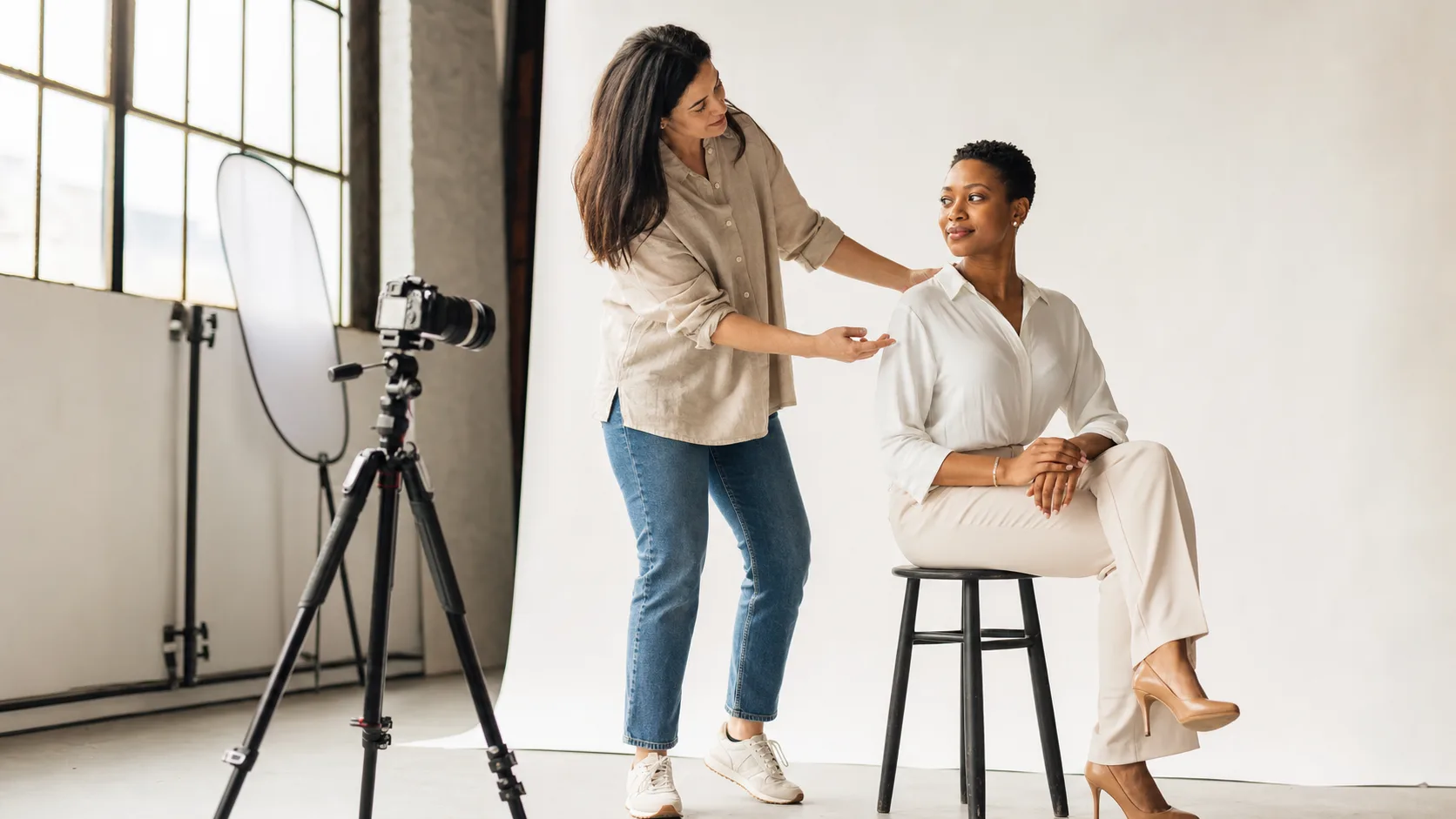 Paremad kliendiportreed algavad rahulikust juhendamisest, heast valgusest ja puhtast töökeskkonnast.
Enamik inimesi ei tule sessioonile teadmisega, kuidas kaamera ees seista. Hea portreesessioon tundub juhendatud, mitte hinnanguline. Selgita esimest seadistust, näita üks lihtne poos oma kehaga ette ja anna lühikesi parandusi, mis räägivad vormist ja valgusest, mitte kliendi kehast.
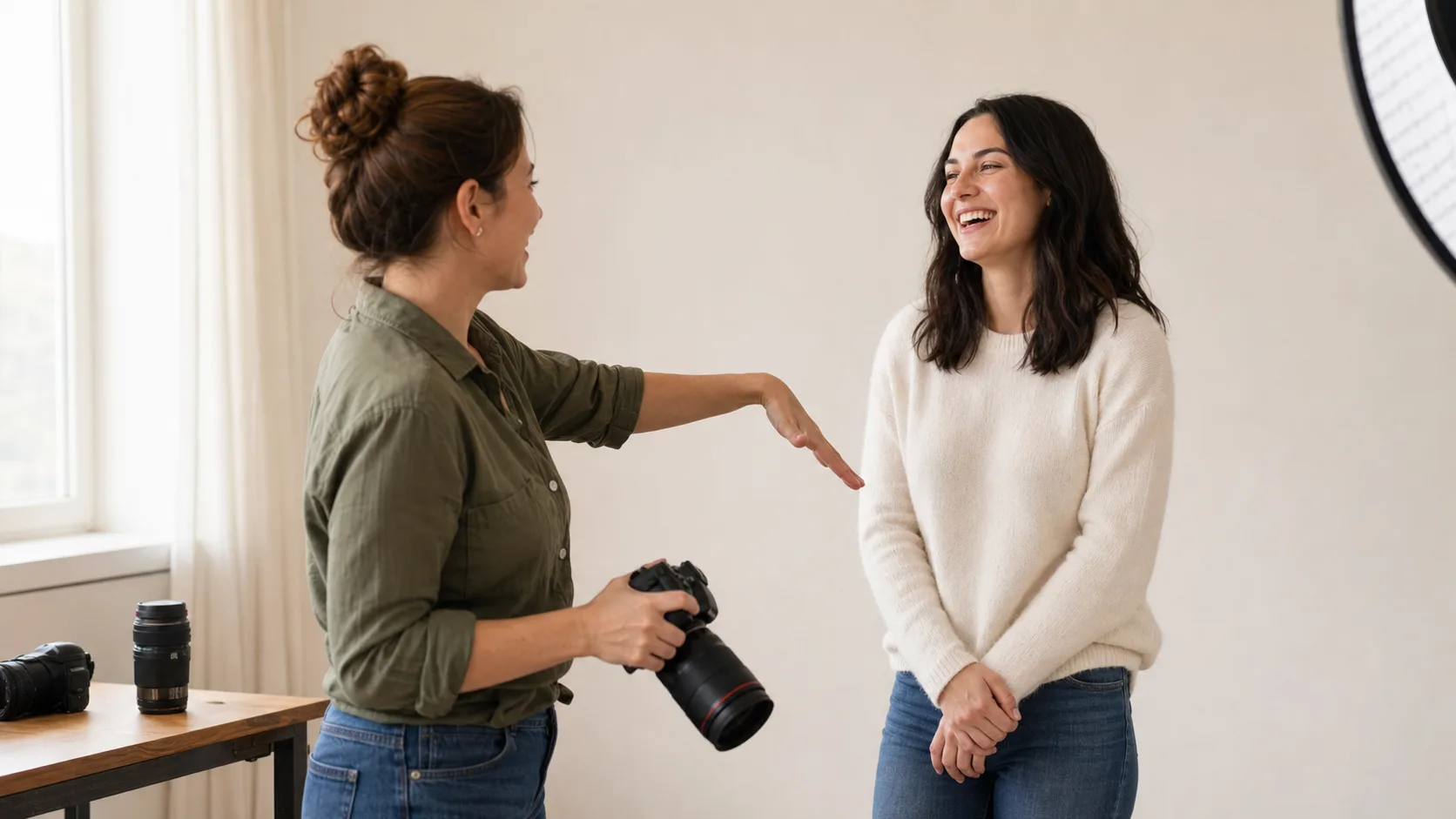 Loomulikud ilmed tekivad tavaliselt lihtsatest vihjetest ja madala pingega sessioonirütmist.
Siseruumis alusta suure akna, softboxi või peegeldatud valguse lähedal ja pööra kliendi nägu, kuni varjud näivad tahtlikud. Õues on avatud vari, pilvine valgus või tagantvalgus koos reflektoriga sageli lihtsam kui otsene keskpäevane päike. Säri, ava, säriaja ja ISO vahemikud peaksid alati olema lähtepunktid, mis muutuvad vastavalt valgusele, objektiivile, liikumisele ja lõppkasutusele.
Valgusolukord | Mida proovida | Miks see aitab |
|---|---|---|
Aknavalgus | Paiguta klient akna kõrvale ja pööra nägu veidi valguse poole. | Loob pehme suuna ja silmasära ilma keeruka seadistuseta. |
Avatud vari | Hoia klient varju servas ja suuna ta näoga kõige heledama avatud ala poole. | Väldib tugevaid ülalt tulevaid varje, kuid jätab portree helgeks. |
Tagantvalgus | Särita näo järgi ning kasuta vajadusel reflektorit või täitevalgust. | Lisab eraldust ja hoiab nahatoonide detaili. |
Segavalgus siseruumis | Lülita konkureerivad valgused võimalusel välja ja hoia üks domineeriv suund. | Vähendab kummalisi värvinihkeid ja ebaühtlaseid nahatoone. |
 Avatud vari ja õrn täitevalgus on usaldusväärsed lähtepunktid õues tehtud kliendiportreedele.
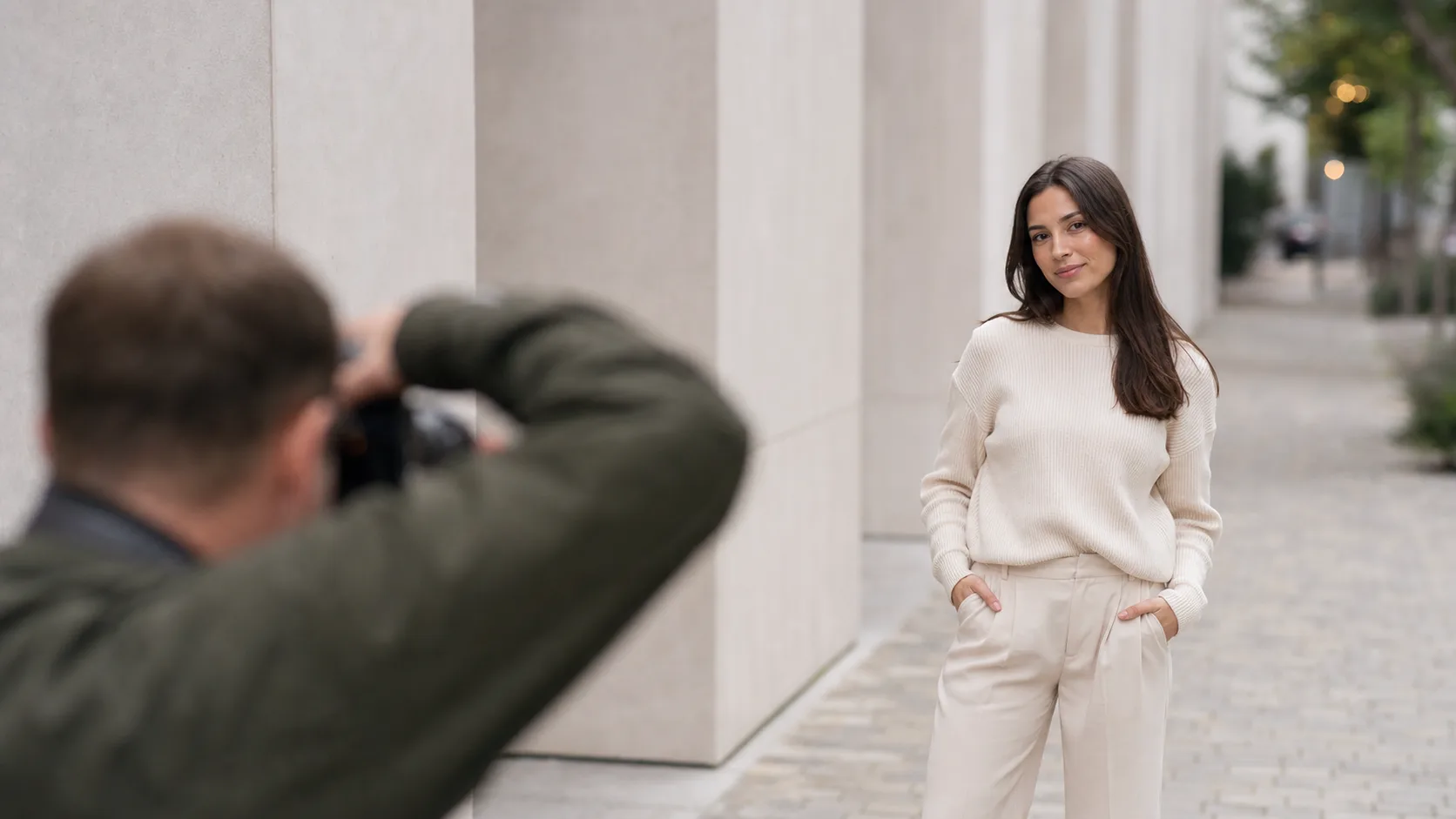 Mõni samm vasakule või paremale võib eemaldada segajad ja muuta kliendi selgeks peategelaseks.
Viga | Kiire parandus | Tulemus |
|---|---|---|
Liiga karm valgus näol | Liigu varju, hajuta valgust või pööra klienti. | Pehmem nahatekstuur ja kontrollitumad varjud. |
Jäik ilme | Peata poos ja anna lihtne tegevus- või vestlusvihje. | Loomulikumad silmad, suu ja õlad. |
Liiga kirju taust | Muuda nurka või suurenda vahemaad kliendi ja tausta vahel. | Parem eraldus ja tugevam fookus inimesel. |
Kohmakad käed | Lase kätel kergelt puudutada riideid, rekvisiiti või keha. | Vähem pinget ja viimistletum portree. |
Ebaühtlane lõppseeria | Korda mõnda kindlat põhiseadistust kontrollitud valguse ja kadreeringuga. | Galerii mõjub terviklikumalt, mitte juhuslikult. |
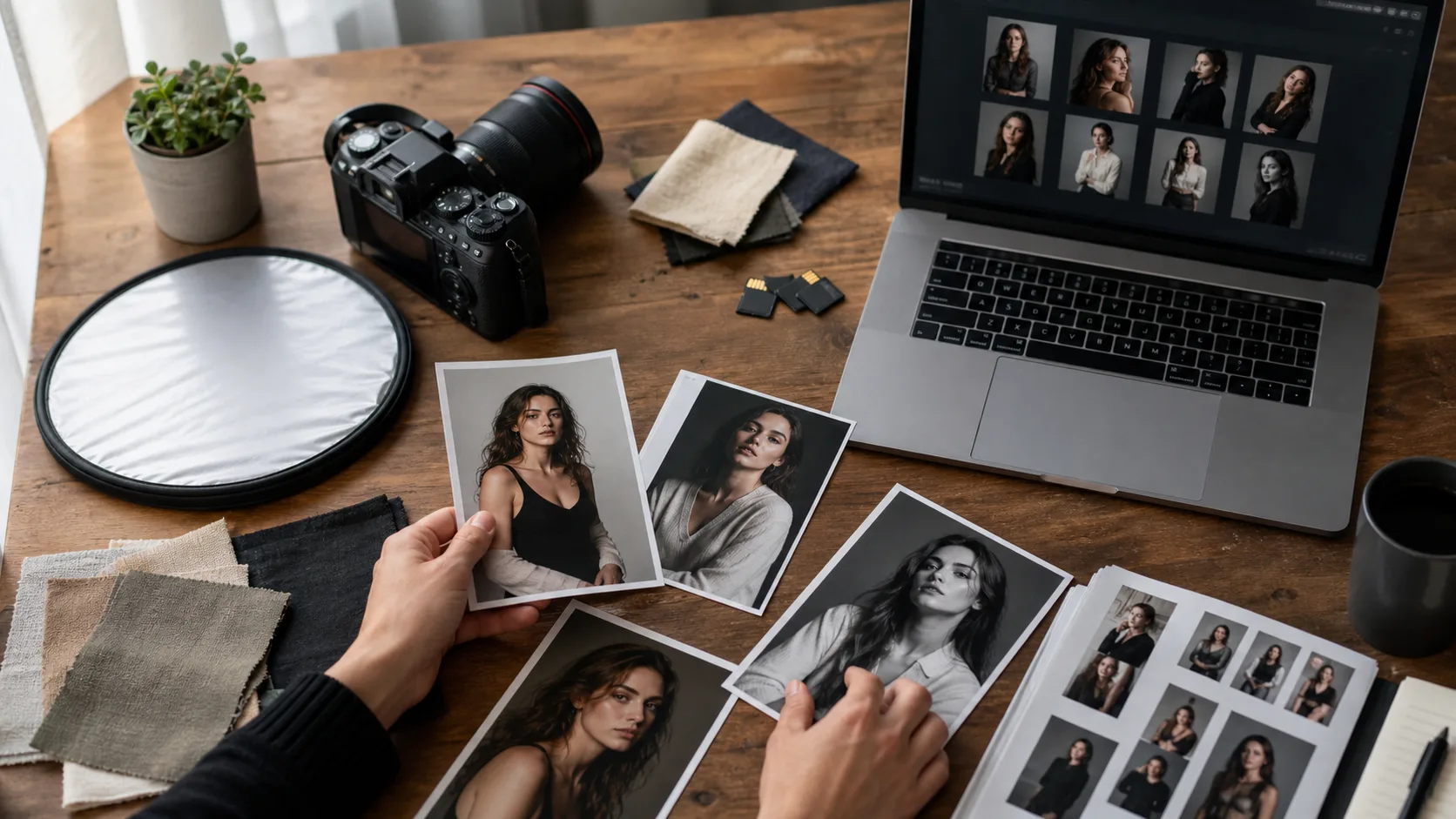 Head portreetulemused jätkuvad pärast võtet: korrasta valikud, ekspordid ja kliendivalmis failid.
Pärast võtet hoia esitlus sama selge kui sessioon. Seotud töövoogude kohta loe portfolio galerii ülevaatuse nippe, albumite korrastamist fotograafidele ja kõrge eraldusvõimega fotode jagamist.
Kasuta Gampit, kui töödeldud kliendiportreed on valmis puhtaks galeriiks või allalaadimislingiks koos eelvaadete, korrastatud failide ja lihtsate ligipääsuseadetega.
Alusta selgest suhtlusest, soosivast valgusest, puhtast taustast, lihtsatest vihjetest ja hoolikast kaadrikontrollist. Tehnilised seaded aitavad, kuid kliendi mugavus ja järjepidev juhendamine parandavad portreesid tavaliselt kiiremini.
Professionaalsel portreel on tavaliselt läbimõeldud valgus, vajalikus kohas terav fookus, puhas kompositsioon, loomulik ilme, kontrollitud värv ja lõpptöötlus, mis toetab kliendi eesmärki.
Pehme suunatud valgus on usaldusväärne lähtepunkt. Aknavalgus, avatud vari, pilvine valgus, peegeldatud välk või suur softbox võivad kõik töötada, kui nägu on ühtlaselt valgustatud ja varjud on tahtlikud.
Kasuta väikeseid liikumisvihjeid, anna kätele mugav ülesanne, liigu suurest kehavaatest detailideni ja lähtesta sageli. Väldi jäika keelt ning juhenda klienti rahulikult ja täpselt.
Väldi kontrollimata karmi valgust, segaseid taustu, vaikseid sessioone, üleposeerimist, ohtlikke asukohti ja lubadust, et üks kaameraseade töötab iga kliendi või valguse puhul.
Praktiline reisifotograafia juhend paremaks planeerimiseks, valguse, kompositsiooni, inimeste, detailide, loo ja tugevamate lõplikke fotokomplektide jaoks.
Praktiline töövoog portfolio proofide jagamiseks, tagasiside kogumiseks ja lõplike valikute edastamiseks ilma segaste kaustadeta.
Praktiline välivalguse juhend portreede, pulmade, sündmuste, tänavafoto ja portfoolio sessioonide jaoks.