
Photo Delivery Platform for Wedding Photographers: A Practical 2026 Workflow
A practical wedding photo delivery workflow covering previews, galleries, final transfers, access settings, and client expectations.
Photographer Tools
4 min read

Published June 18, 2026 | 5 min read
QR code wedding photo sharing for guests works by turning a wedding gallery or delivery link into a scannable code. Guests scan the code from a sign, card, wedding website, or follow-up email, open the gallery in their browser, preview photos, and download images when the page allows it.
 A QR code works best when it points to one clean wedding gallery or delivery page instead of a messy group chat or social thread.
Use Gampi Wedding Photography to publish a clean gallery destination before turning the link into a QR code for guests.
QR sharing is useful whenever guests need a fast mobile path to photos without typing a long URL. It can support sneak peeks during the event, a curated gallery after editing, or a simple “scan to view wedding photos” handoff after the couple approves the final gallery.
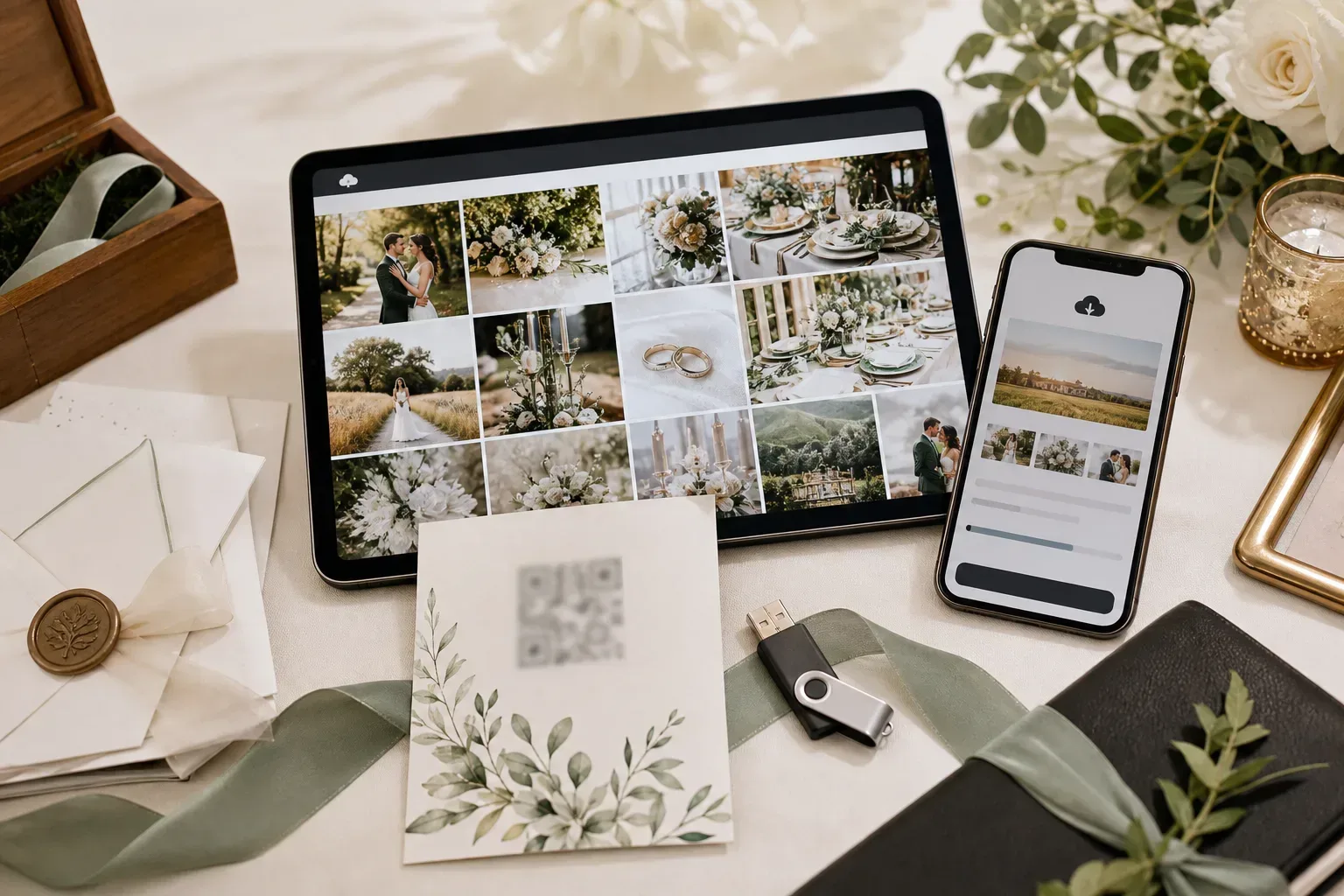 The QR code is only the doorway. The destination should be a clear gallery or delivery page that guests can understand on mobile.
Method | Best for | Risk |
|---|---|---|
QR gallery | Fast mobile access from signs, cards, websites, and guest tables | Needs testing, clear wording, and the right access settings |
Shared drive | Internal storage or vendor collaboration | Sign-in prompts and folder permissions can frustrate guests |
Social media | Public highlights and announcements | Not ideal for private galleries, downloads, or organized delivery |
Email link | Post-wedding follow-up to the couple or a smaller guest list | Less useful at the event because guests need to receive the message first |
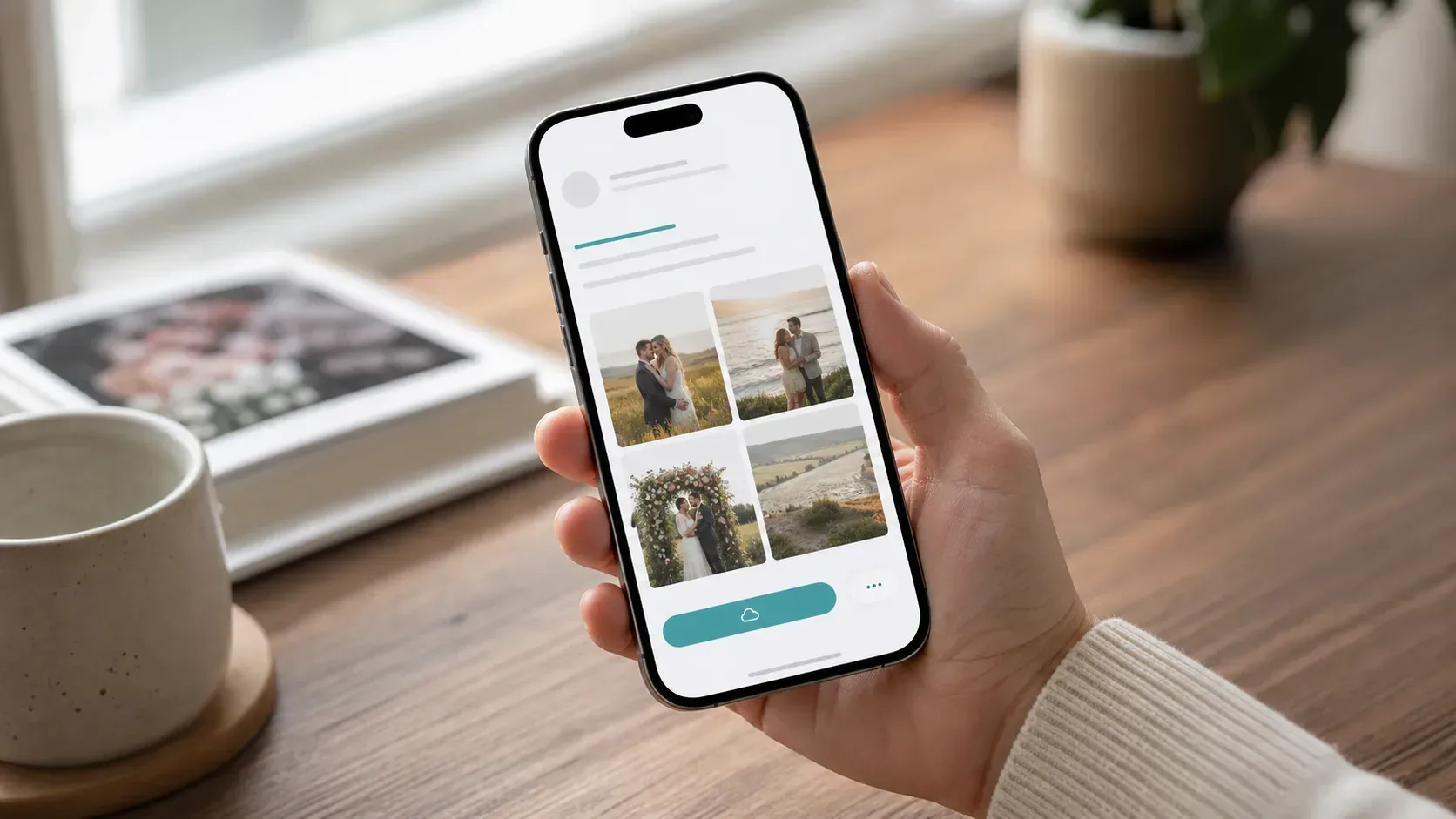 Guests should land somewhere simple: preview the gallery, understand the access rules, and download only when downloads are intended.
A QR code is easy to scan and easy to forward. That is useful for guest access, but it also means private weddings need clear controls. Use a password when the gallery should stay limited, avoid placing private codes in public areas, and use expiration for download links that should not remain open indefinitely.
Gampi works well as the destination behind the QR code: a Wedding Photography gallery for browsing, or Simple Transfer when the handoff is a direct download package. For related workflows, read how to deliver wedding photos to clients and QR code photo sharing for events.
Publish a wedding gallery or delivery page in Gampi, then use that link as the destination for your wedding QR code.
Create the wedding gallery or delivery page first, copy the link, then turn that link into a QR code. If a native QR option is not available for the page, use a trusted QR generator and test the code on a phone before printing.
A gallery is usually better for organized wedding photo sharing because guests can browse in one clean place. Social media is useful for highlights, but it is weaker for private access, downloads, and complete gallery structure.
Yes, if the QR code points to a page where downloads are enabled. If the gallery is preview-only, say that clearly on the sign or card so guests know what to expect.
A QR code can point to a password-protected page. This is helpful for private weddings, but the password should be shared separately or printed only for intended guests.
Good placements include welcome signs, reception tables, bars, photo booths, thank-you cards, wedding websites, post-wedding emails, and printed inserts with the final album or keepsake package.
A practical wedding photo delivery workflow covering previews, galleries, final transfers, access settings, and client expectations.
A practical event photo workflow for QR links, mobile galleries, guest uploads, printed cards, and final photographer delivery.
A practical QR workflow for street photographers who want people to scan, find their photos later, and download from a clean gallery path.