
Simple Transfer fotograafidele: saada suuri faile ilma segase üleandmiseta
Praktiline juhend suurte fotofailide, RAW-kaustade, videote ja dokumentide saatmiseks puhta kliendi allalaadimislehega.
Fotograafi tööriistad
3 min lugemist

Avaldatud 17. juuni 2026 | 3 min lugemist
Kõige selgem viis RAW-failide saatmiseks klientidele on korrastada failid projekti järgi, eraldada RAW-failid valmis töödest, lisada lühike kliendisõnum, laadida failid üles Gampi Simple Transferisse ja jagada ühte kontrollitud allalaadimislinki.
Kasuta Gampit fotode, videote, kaustade, arhiivide ja galeriide professionaalsete kliendilinkide saatmiseks.
Üleandmise valik | Parim kasutus | Kliendi risk |
|---|---|---|
Eraldi RAW-failid | Tehnilised kliendid, kes küsisid täpseid kaamerafaile | Ilma juhisteta võib segadust tekitada |
ZIP-arhiiv | Terved projektid ja kaustad | Suur allalaadimine võib nõrga ühendusega katkeda |
Gampi Simple Transfer | Selge kliendi üleandmine eelvaadete ja originaalidega | Vajab selget nimetamist ja sõnumit |
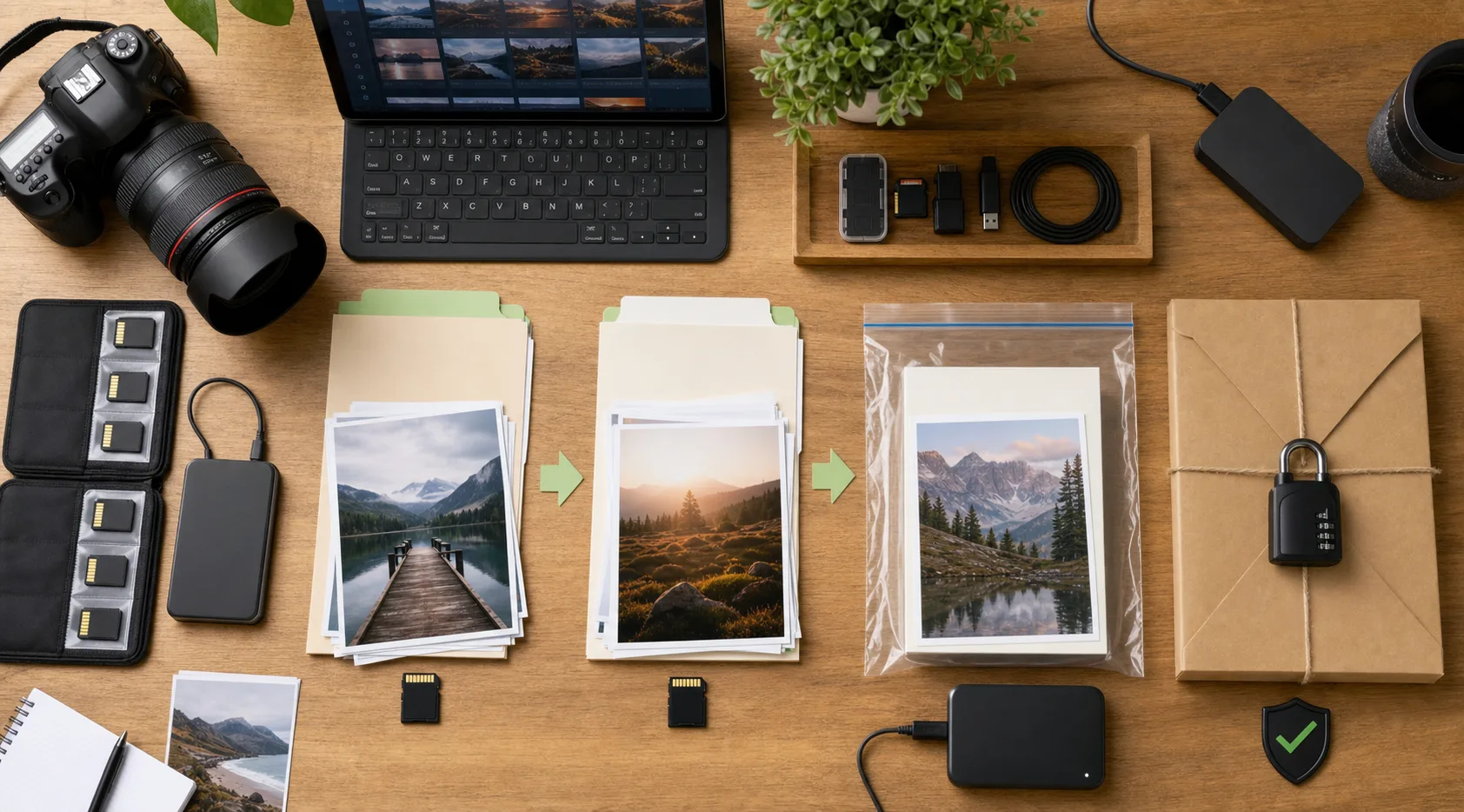 Eralda RAW-failid, töödeldud lõppfailid ja kliendi märkused enne ühe kontrollitud allalaadimislingi saatmist.
Tere, sinu failid on valmis. See link sisaldab lõplikke töödeldud pilte ja soovitud RAW-kausta. Palun laadi pakett alla enne aegumiskuupäeva ning hoia parool avalikust lingist eraldi.
Optimeeritud eelvaated on brauseris kiireks vaatamiseks. Originaalallalaadimised on lõplik üleandmine ja peaksid jääma kergetest eelvaadetest selgelt eraldi.
 Puhas edastusleht annab klientidele eelvaated ja selge tee originaalfailideni.
RAW-failide, videote või täielike arhiivide saatmisel kasuta parooli, aegumisakent ja sõnumit, mis selgitab failimahtu, miks originaalid kaasas on ja mida klient peaks esimesena alla laadima.
Seotud töövoogude kohta loe simple transfer fotograafidele, kliendifailide üleandmine fotograafidele, hinnastus enne lõpliku üleandmise valimist.
Paki RAW-failid selgelt, selgita nende eesmärki ja saada üks kontrollitud allalaadimisleht, mitte hulk faile e-kirjades või vestlustes.
Ainult siis, kui kokkulepe või tootmistöövoog seda nõuab. Paljud kliendid vajavad valmis töid, mitte kaamera originaale.
ZIP võib aidata, kui klient vajab ühte allalaadimist, kuid suurte või segatüüpi üleandmiste puhul võivad kaustad olla selgemad.
Kasuta üleandmislehte, kus eelvaated on kerged, kuid originaalfailid säilivad allalaadimiseks.
Eelvaated on sirvimiseks optimeeritud. Originaalallalaadimised on tegelikud failid, mida klient salvestab või tootmises kasutab.
Jaga RAW-kaustu, töödeldud lõppfaile ja projektiarhiive ühe kontrollitud allalaadimislehe kaudu.
Praktiline juhend suurte fotofailide, RAW-kaustade, videote ja dokumentide saatmiseks puhta kliendi allalaadimislehega.
Kasuta ühte puhast edastuslinki suurte videofailide jaoks, selle asemel et kasutada hajutatud kaustu, e-kirjade lõime ja korduvaid edastuskatseid.
Praktiline juhend kliendifailide saatmiseks külalise allalaadimislingiga ilma kliendi registreerimiseta.