
How To Send RAW Files to Clients Without Confusing the Delivery
A practical workflow for organizing RAW files, setting client expectations, and delivering original-quality files without confusing the handoff.
File Transfer
3 min read

Published June 16, 2026 | 4 min read
For photographers, Simple Transfer is the fast way to send large photo files, RAW folders, videos, documents, or ZIP archives through a clean client download page instead of a messy email thread. Use it when a client needs one branded download link with previews, optional password protection, expiration settings, and no recipient account requirement.
Use Simple Transfer when the client needs finished files quickly and does not need a full proofing gallery, favorites flow, or store experience.
Email is built for conversation, not final creative delivery. Attachments hit size limits, compressed copies confuse clients, and long threads make it hard to know which file is final.
A good photographer transfer page lets clients preview, understand, and download the right files without extra instructions.
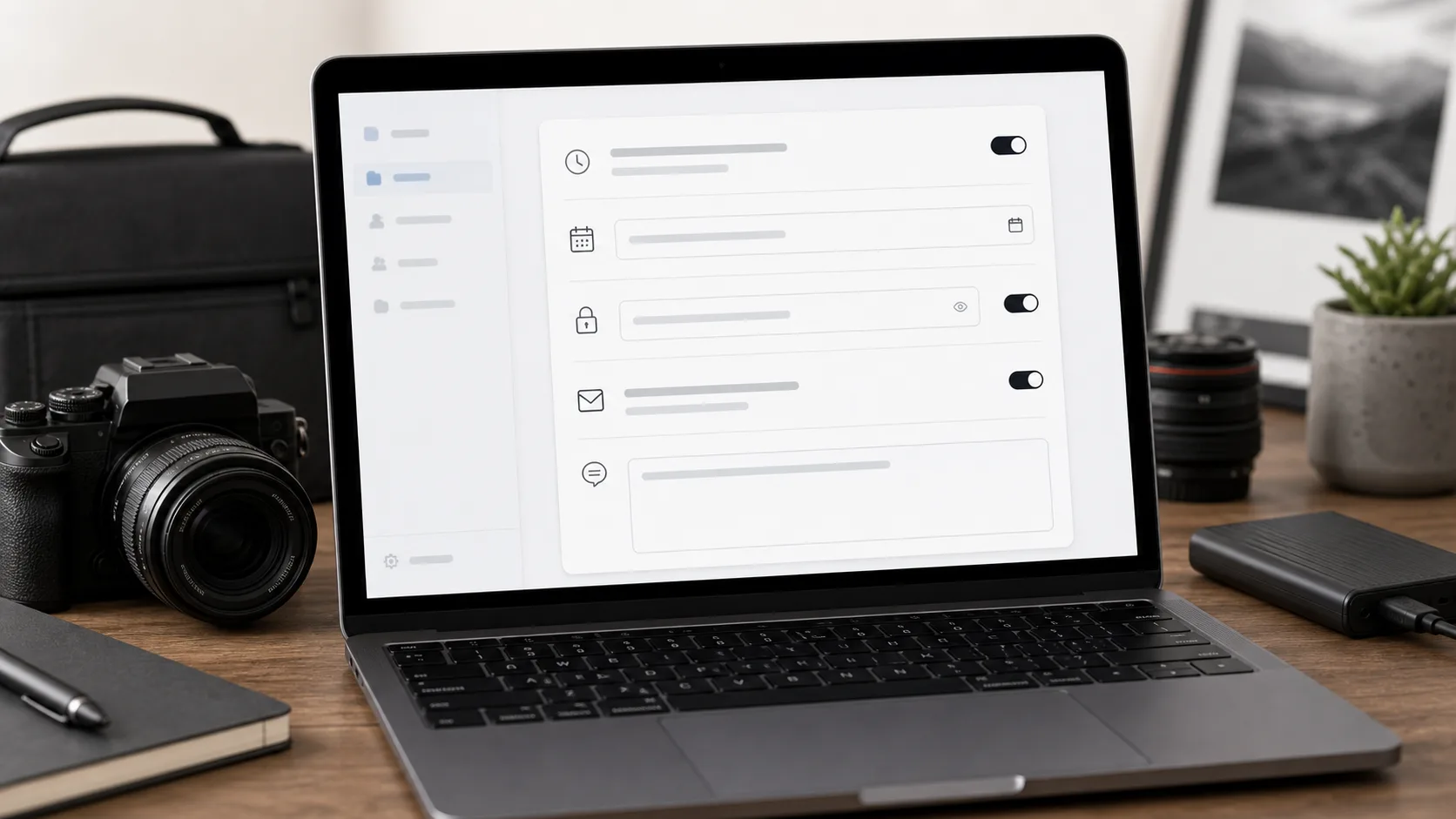 A lightweight settings step gives photographers control without turning delivery into a full project-management workflow.
Transfer pages should load quickly while still preserving the files the client actually paid for. That means previews and downloads do different jobs.
Password-protected links are useful when files are private, paid, sensitive, or likely to be forwarded. They add a simple access boundary without forcing a full login flow.
For access rules, compare Password Protected File Transfer for Photographers: When and How To Use It and The Best Way to Share High Resolution Photos With Clients before you decide what clients can open, preview, and download.
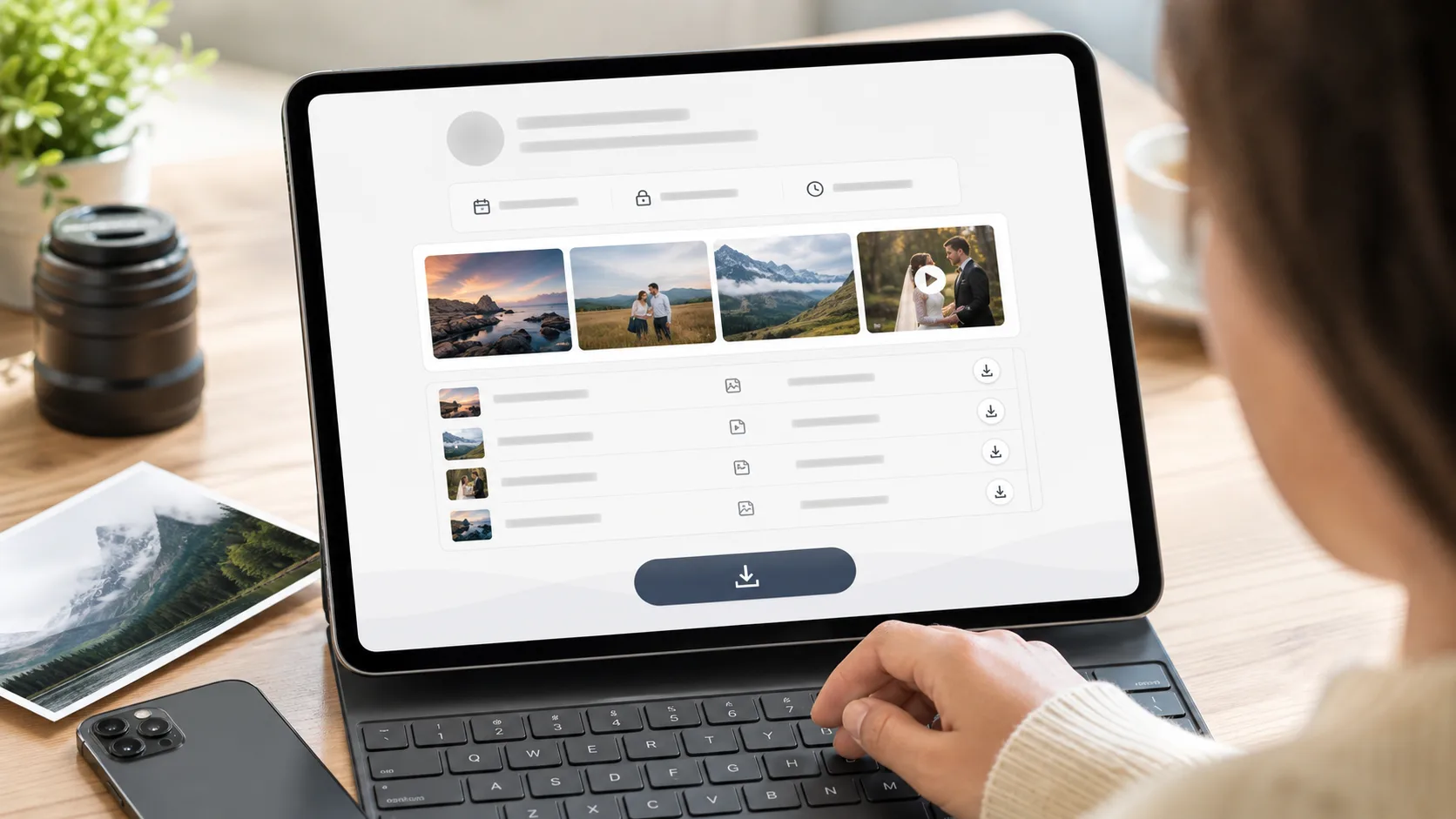 The client should receive one page, one message, and one clear download path.
Decision | Simple Transfer | Full client gallery |
|---|---|---|
Main fit | Use Simple Transfer when the client needs to download a finished package. | Use a gallery when clients need to browse, choose favorites, or buy individual photos. |
File types | Use Simple Transfer for videos, RAW folders, documents, and short-term access. | Use both when your business needs direct file delivery plus a richer gallery experience. |
Combined delivery | Send the final archive after gallery selection or approval is complete. | Keep browsing, favorites, or sales in the gallery, then add a transfer link for the final package. |
Create a clean transfer link for photos, videos, RAW archives, folders, and client documents.
Simple Transfer is a lightweight way to send large client files through a polished download page without requiring recipients to create an account.
Yes. RAW files can be included in a transfer when they fit the active product limits and are organized clearly for the client.
Send a ZIP file or transfer package when the client needs a complete set of files. Use a gallery when browsing, favorites, sales, or proofing matter more.
Yes, especially for private, paid, or sensitive work. Passwords add a simple access layer without creating a full login process.
No. Previews make browsing faster, while original downloads preserve the final quality the client needs.
A practical workflow for organizing RAW files, setting client expectations, and delivering original-quality files without confusing the handoff.
A practical guide to delivering finished photos, videos, albums, and documents through a polished client download experience.
A practical guide to lightweight client file delivery for freelancers who need polished handoff pages without a heavy project portal.