
Public Photo Gallery for Street Photographers: How to Share Photos Online
A practical guide to publishing street photos in public galleries that are easier to browse and download than social feeds or folder links.
QR Photo Sharing
4 min read

Published June 16, 2026 | 4 min read
Client photo delivery works best when every step is simple: client galleries, fast file transfer, QR codes, and payment options that do not slow clients down. A strong delivery setup gives the client one clear path for finding, previewing, paying for, and downloading the right files on mobile or desktop.
Direct answer: the best way to deliver photos to clients is to match the handoff to the job. Use Simple Transfer for finished high-resolution files, client galleries for browsing and purchases, QR codes for event access, and payment-aware downloads when originals should unlock only after checkout.
Before choosing a tool, decide whether the client needs a private proofing gallery, an event gallery, a fast handoff for finished files, or paid downloads.
Workflow | Best for | Not best for |
|---|---|---|
Simple Transfer | Finished high-resolution files, videos, ZIPs, and one-off handoffs after the edit is approved. | Proofing or sales galleries where clients need to browse many albums or buy individual photos. |
Client gallery | Browsing, favorites, private or public albums, and client proofing before final download. | A single final delivery where the client only needs one clean download page. |
QR-code album | Weddings, street sessions, venues, printed cards, and event signs where people scan on their phones. | Confidential deliveries that should only move through a private invite or direct email link. |
Payment-aware downloads | Preview-first galleries, paid unlocks, upsells, and jobs where full-resolution files should wait for checkout. | Free image sets that should be available immediately with no purchase step. |
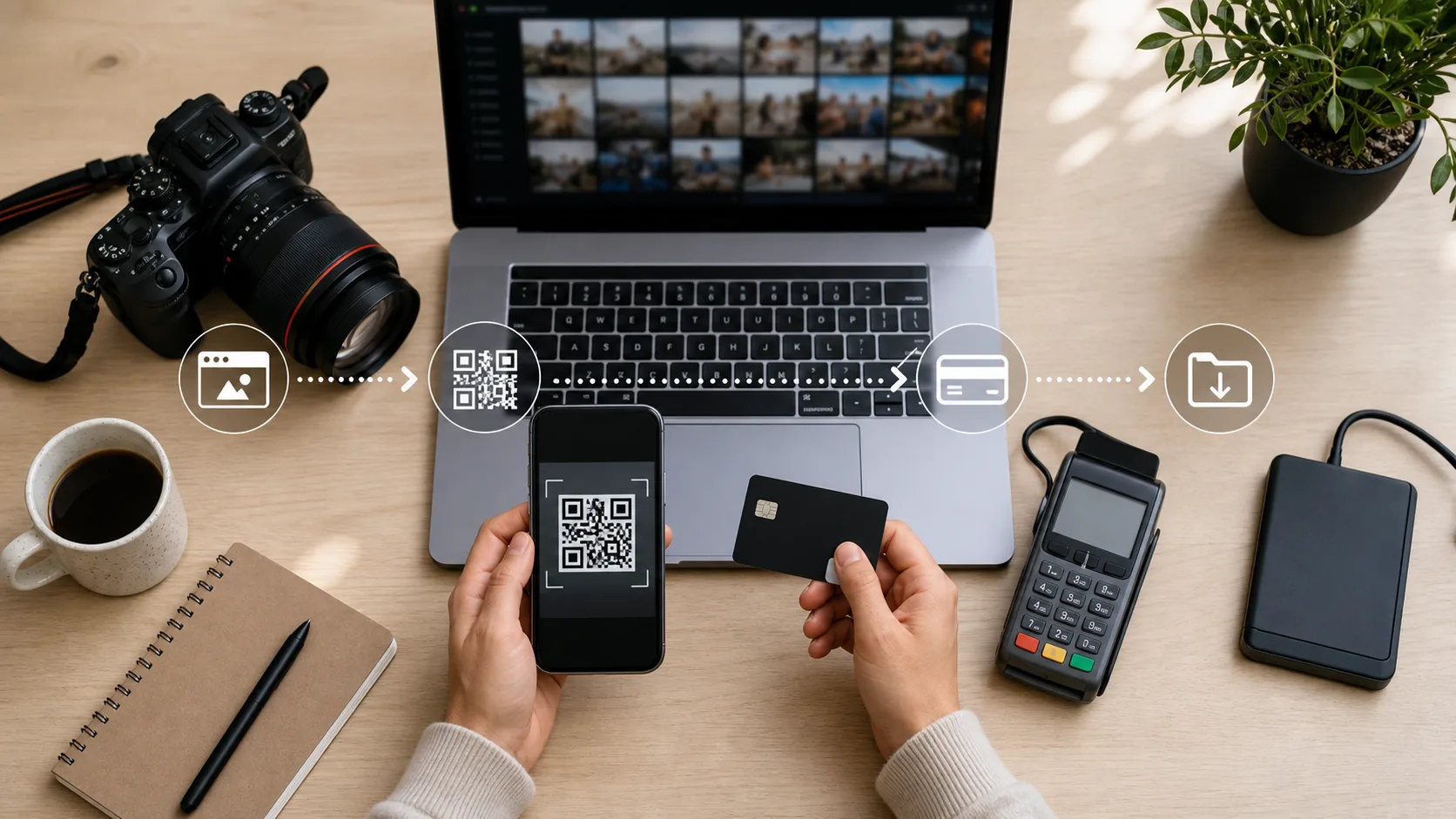 A clear delivery flow helps clients find, pay for, and download photos without extra messages.
Product claim | Proof in this workflow | Limit to state clearly |
|---|---|---|
Client download page | The sender shares one delivery or gallery link, and the recipient sees previews and download actions from a focused page. | Use a full gallery when browsing, selection, or purchases matter. |
No recipient account requirement | The photographer creates the transfer; the client opens the shared link without creating a recipient account. | If password protection is enabled, the client enters the password before viewing or downloading. |
Password and expiration controls | Simple Transfer has password settings and expiration windows for 1, 3, 7, 30, 60, and 365 days, plus custom expiration. | Check current plan and product limits before promising a specific storage or transfer size. |
Previews and original downloads | Optimized previews help clients confirm content; original downloads remain the final files the photographer prepared. | For proofing, favorites, or sales, use a gallery workflow instead of only a transfer. |
A direct link is best for messages and email. A QR code is best at events, receptions, printed cards, and in-person sales. The strongest workflow uses both, so every client has an easy path back to the gallery.
If final files just need a clean download page, start with Gampi Simple Transfer. For browsing, QR access, and paid downloads, read QR Code Photo Sharing for Street Photographers: A Simple Workflow and The Best Way to Send Full Wedding Galleries to Clients before you choose the delivery path.
Use Gampi Simple Transfer when you need a clean download page for photos, videos, or finished files.
The fastest way is to publish a client-ready gallery or transfer page and share it with a direct link or QR code.
Yes. QR codes are useful at events, venues, and printed materials because clients can open the gallery without typing a URL.
Paid delivery should keep previews easy to browse and unlock full-resolution downloads only after the client completes payment.
A practical guide to publishing street photos in public galleries that are easier to browse and download than social feeds or folder links.
A practical event photo workflow for QR links, mobile galleries, guest uploads, printed cards, and final photographer delivery.
A practical QR code wedding photo sharing workflow for signs, cards, wedding websites, guest access, privacy, and final gallery delivery.