
Temporary Download Links for Photographers: How to Share Photos With More Control
A practical guide to using expiring photo download links for proofs, events, weddings, campaigns, and final client files.
File Transfer
4 min read

Published June 17, 2026 | 3 min read
The best way to send large video files to clients is to prepare the final exports, upload them to a clear transfer page, set access rules, and send one download link. With Gampi Simple Transfer, clients can open one page, preview supported media when their browser can play it, and download the original files.
 Prepare the files first, then configure access and send one controlled delivery link.
Video files are larger, take longer to upload, and depend more on format, browser, and device support. A clean handoff protects original quality and makes the final file obvious to the client.
Video delivery option | Use it when | Main tradeoff |
|---|---|---|
Email attachment | The clip is tiny and quality is not critical | Large files fail, compress, or disappear in threads |
Cloud folder | The client needs ongoing collaboration or shared edits | Permissions and versions can confuse final delivery |
Generic transfer link | You only need to move one package quickly | The handoff may feel detached from the project |
Gampi Simple Transfer | The final exports need one clean client page | Preview depends on browser and file type; originals stay downloadable |
Create a clean Simple Transfer link for client videos, folders, archives, and supporting files.
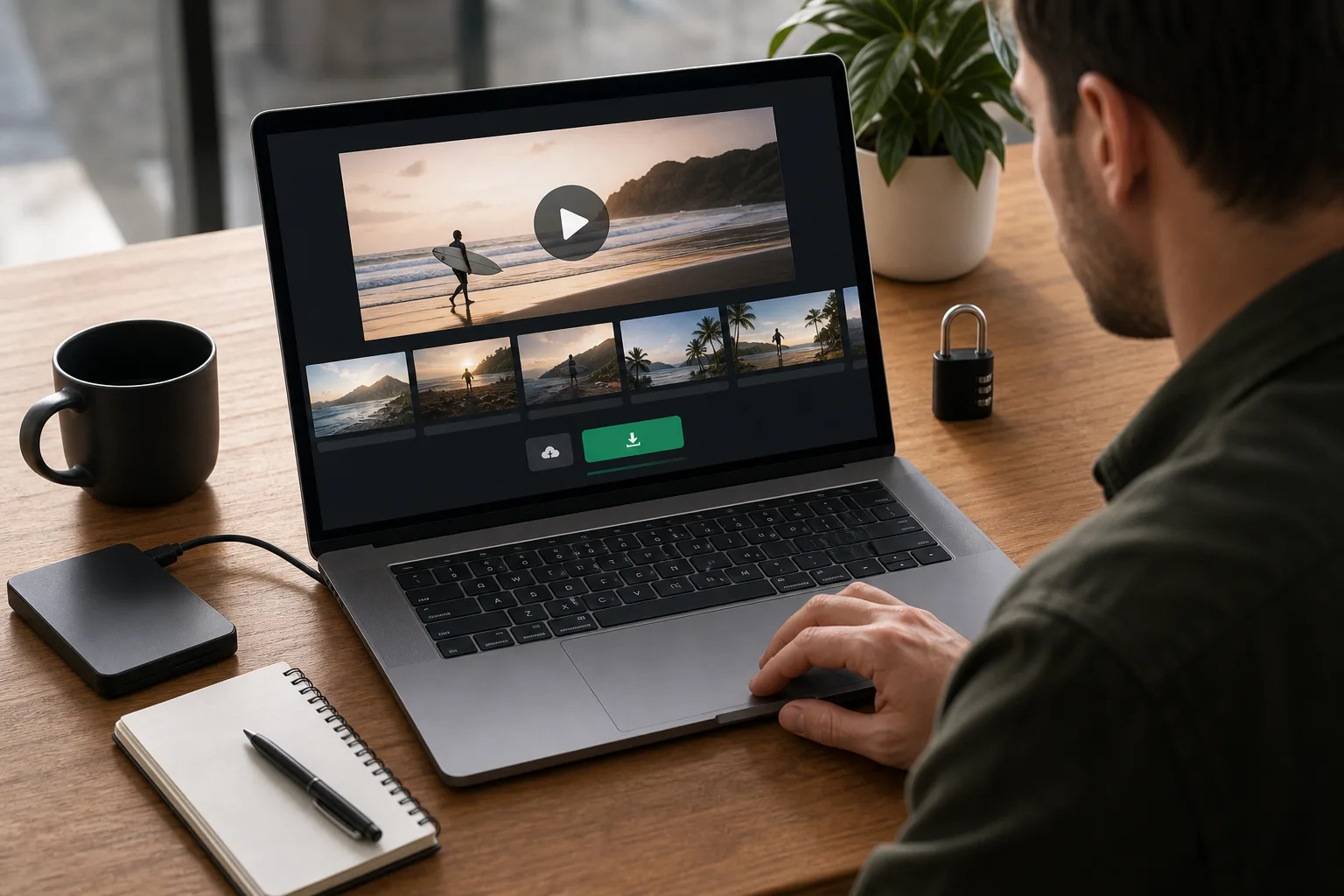 One focused client page reduces confusion and keeps the original download path visible.
For related workflows, read Simple Transfer, Simple Transfer for photographers, password-protected file transfer for photographers before choosing the final video delivery setup.
Use one organized transfer page with final exports, clear names, optional password protection, expiration, and original-quality downloads.
Supported videos can be previewed when the browser and file type allow playback. Keep the original download available.
Upload the original export or archive and do not compress it unless the client asks for a smaller review copy.
Yes. Use password protection when the video is private, paid, commercial, or likely to be forwarded.
Video attachments often exceed email limits, may be compressed, and can bury the final file inside a long conversation.
A practical guide to using expiring photo download links for proofs, events, weddings, campaigns, and final client files.
A practical guide to using passwords, expiration, previews, and original downloads when sending private client files.
A practical workflow for organizing RAW files, setting client expectations, and delivering original-quality files without confusing the handoff.