
Best Gallery Platform for Wedding Photographers: What to Look For
A criteria-first guide to choosing a wedding gallery platform for previews, downloads, privacy, mobile access, QR sharing, and client handoff.
Recommendations
4 min read

Published June 17, 2026 | 4 min read
A strong wedding photo delivery setup should do two jobs well: give couples a clean gallery experience for browsing and sharing, and give them one reliable final transfer link for full-resolution files. Gampi is a practical fit when you want that handoff to feel simple for the couple and controlled for the photographer.
Use Gampi to send polished wedding gallery and transfer links for photos, videos, folders, archives, and final client packages.
Most couples are not thinking in folders, archives, and file versions. They expect one clean place to view the story, a clear way to download the finished files, and a link they can share with family when appropriate. The delivery workflow should reduce questions, not create a second project-management task after the wedding.
Wedding stage | Client need | Recommended Gampi workflow |
|---|---|---|
Day-of preview | Fast mobile access to highlights | Gallery or QR-linked page |
Selection and review | Browse, share, and confirm images | Client gallery |
Final handoff | Download the full-resolution package | Simple Transfer |
Later updates | Receive extra files without confusion | New transfer or updated gallery link |
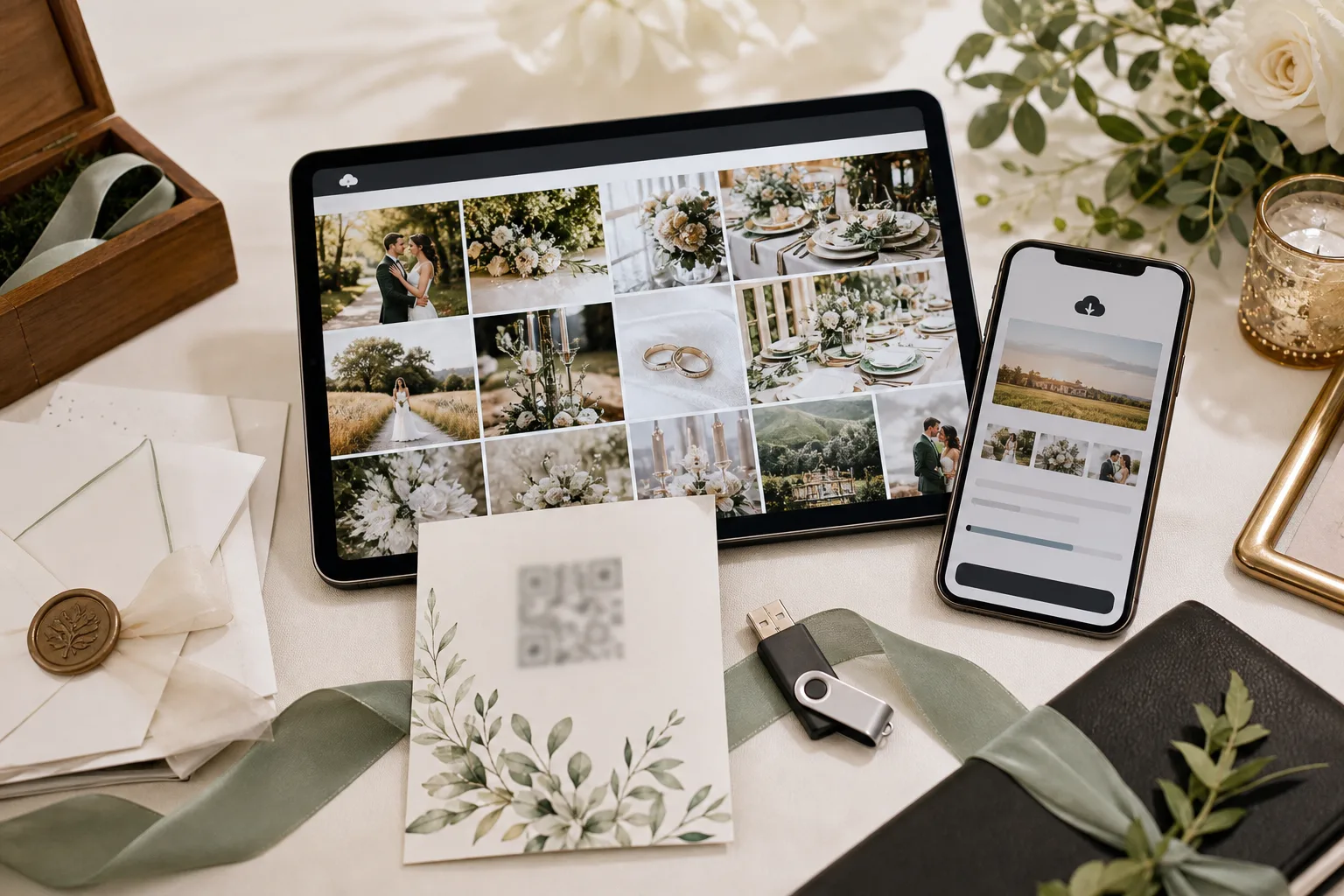 A wedding delivery setup should make browsing, sharing, and final downloads feel like one coherent client experience.
Option | Useful for | Risk |
|---|---|---|
Email links | Small updates and quick notes | Weak for large wedding sets |
Storage folders | Internal organization and collaboration | Can confuse clients at final delivery |
Transfer-only tools | One-off file movement | Less connected to galleries and previews |
Gampi | Gallery plus final handoff | Needs clear project organization from the photographer |
Use password protection, expiration, and clear client messages when wedding files are private, paid, sensitive, or likely to be forwarded beyond the couple.
For related workflows, read wedding photography, simple transfer for photographers, QR code photo sharing for events before choosing the final delivery setup.
Use a gallery for browsing and sharing, then send a separate transfer link when the couple needs the complete final-resolution package.
Use the gallery or delivery flow that matches the selection process first, then send final files after the selection is confirmed.
A link-based workflow keeps the path simple. Add password protection or other access controls only when privacy, payment, or project rules require it.
Yes. Separate gallery or transfer links can keep first-look previews, full wedding coverage, second-day sessions, and later updates organized.
Use available expiration or access controls for delivery links, and verify gallery-specific settings before promising a fixed policy to clients.
Use Gampi to send polished wedding gallery and transfer links for photos, videos, folders, archives, and final client packages.
A criteria-first guide to choosing a wedding gallery platform for previews, downloads, privacy, mobile access, QR sharing, and client handoff.
A practical QR code wedding photo sharing workflow for signs, cards, wedding websites, guest access, privacy, and final gallery delivery.
A criteria-first guide to choosing a gallery platform for portfolio photographers who need private review, organized albums, and clean final delivery.