
Expiring Download Links for Client Files: When and How to Use Them
A practical guide to temporary file sharing links, password protection, client access control, and cleaner project handoff.
File Transfer
4 min read

Published June 17, 2026 | 4 min read
No-account file sharing for clients means the recipient can open a delivery link, preview supported files, and download the package without creating a new account. With Gampi Simple Transfer, the sender creates the transfer from their Gampi account, while the client can use the public delivery page without a signup gate.
Client delivery usually happens at the end of a project, when the client expects the work to be ready. If the link asks for a new account, password reset, storage app, or permission request, the final step starts to feel like support work instead of delivery.
 The simplest client path is one link, one clear page, previews when supported, and an obvious download action.
Option | Best fit | Client friction |
|---|---|---|
Guest download link | Finished files that need quick access | Low when the page is clear |
Cloud folder | Ongoing collaboration and shared editing | Can be higher if permissions or sign-in appear |
Client portal | Long-term client relationship and approvals | Useful, but heavier for one-off downloads |
Gampi Simple Transfer | Clean client delivery with previews, downloads, expiration, and optional password | Designed for a no-account recipient path |
Use Gampi Simple Transfer to create a clean delivery page that clients can open, preview, and download without account friction.
Hi, your files are ready here: [link]. You do not need to create an account. Open the link, preview the files if needed, and use the download button to save the full package. The link may expire, so please download the files before the date we agreed.
No-account delivery removes a signup gate for the recipient; it does not remove access decisions. Use a password for private or paid files, use expiration for temporary handoff, and write the message so the client knows what to do.
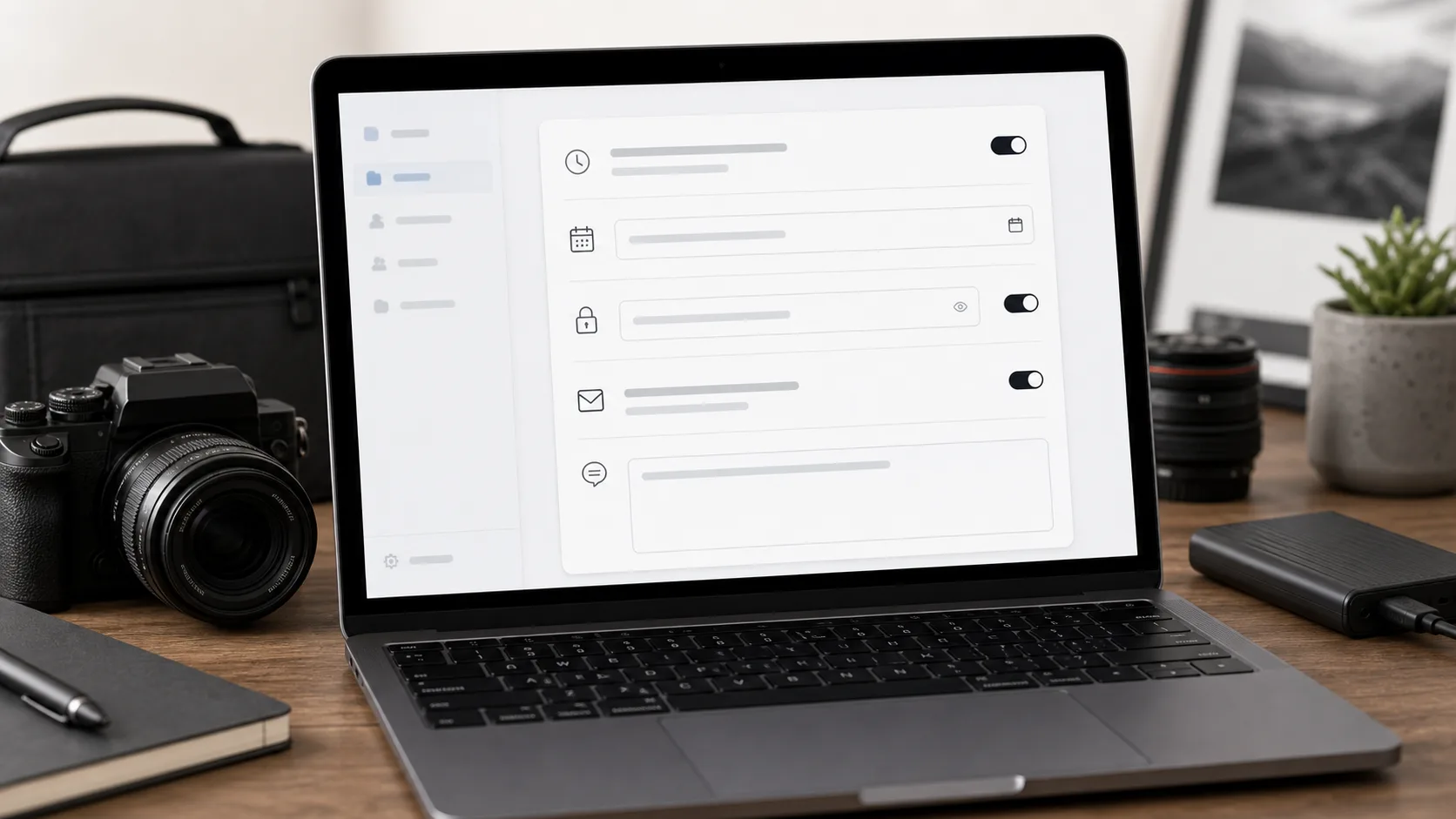 A lightweight settings step gives photographers control without turning delivery into a full project-management workflow.
For related workflows, read Simple Transfer for photographers, client file delivery for photographers, password-protected file transfer, and expiring download links.
Use Gampi Simple Transfer to create a clean delivery page that clients can open, preview, and download without account friction.
Yes. With Gampi Simple Transfer, the sender creates the transfer and the client opens the delivery link directly, without creating a recipient account.
No-account delivery reduces signup friction, but it should still use sensible controls. Use password protection and expiration when files are private, paid, or sensitive.
Yes. A password-protected Simple Transfer link can ask the recipient for a password on the download page without forcing them to create an account.
Send one clear delivery link with a direct download action, short instructions, and an expiration window that gives the client enough time to save the package.
Tell the client what the link contains, whether a password is needed, when the link expires, and that no account is required to download.
A practical guide to temporary file sharing links, password protection, client access control, and cleaner project handoff.
A practical workflow for organizing RAW files, setting client expectations, and delivering original-quality files without confusing the handoff.
Use one clean delivery link for large video files instead of scattered folders, email threads, and repeated transfer attempts.